AVSBL handles website image dimensions and compression. Customers select a clear source image and its visual crop; the platform creates and delivers the versions required by the builder and published website.
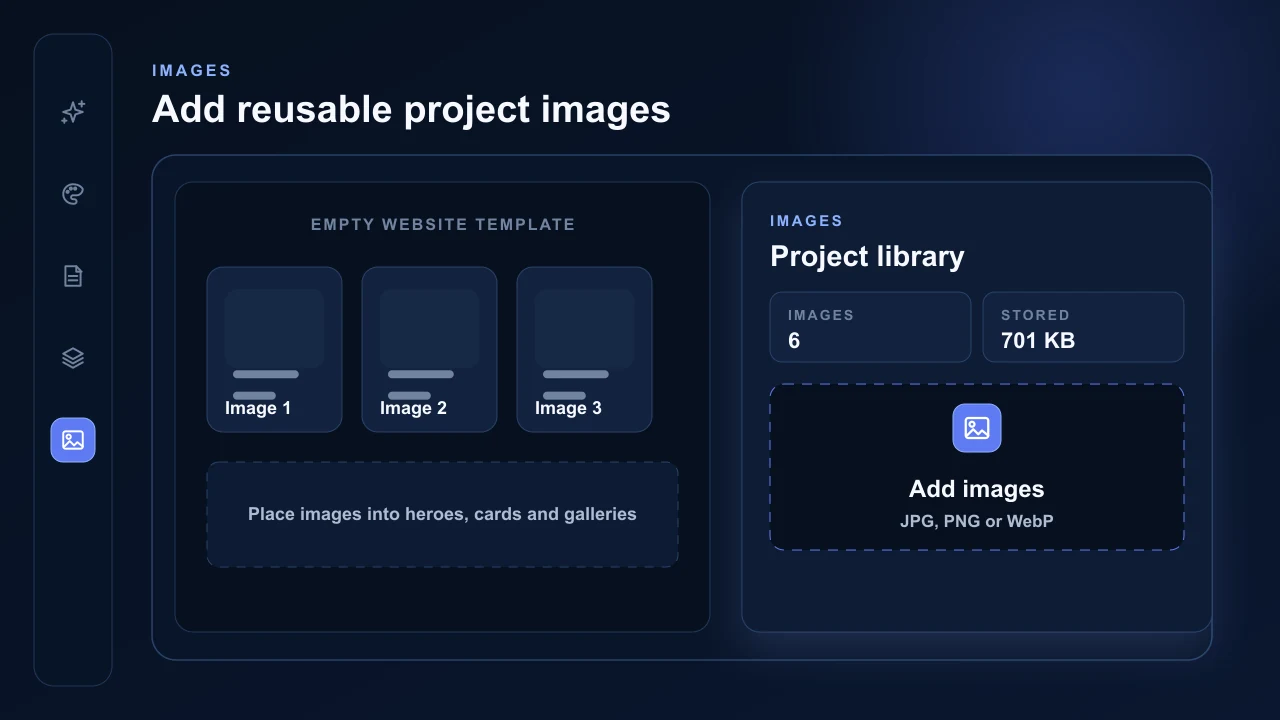
Add images to the project library
Open Images or an image picker and upload JPG, PNG or WebP files. Saved project images are limited to 10 MB each, with up to 10 files in one batch. The limit applies before AVSBL creates the smaller website versions and keeps unusually large source files out of the builder upload path.
There is no required customer-facing pixel size. Use the clearest original available rather than a copied thumbnail. AVSBL does not enlarge small files, so detail missing from the source cannot be recreated. HEIC and customer video are not currently supported.
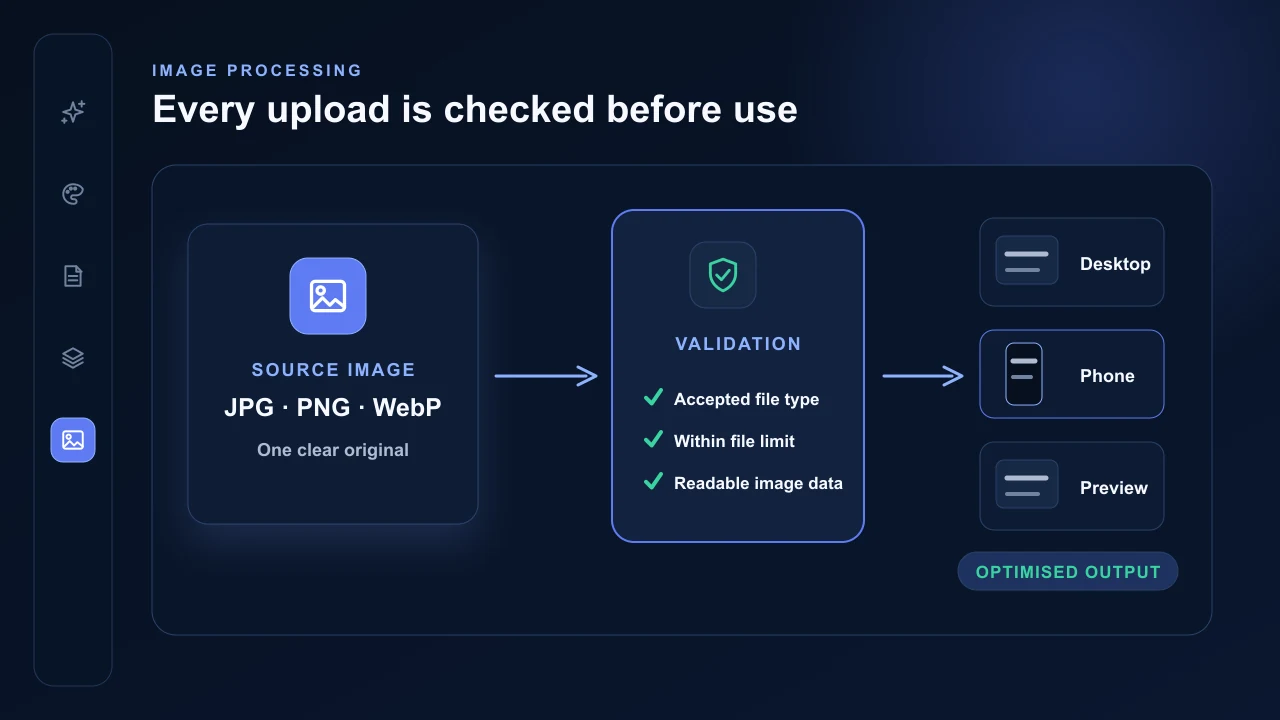
AVSBL processes each image
Every accepted image is validated and optimised. The browser prepares large supported files, then AVSBL verifies the declared type, actual image container, decoded pixels and upload limits before the server image pipeline creates the stored variants.
When automated image moderation is configured, AVSBL also scans the image during processing. Normal images continue automatically; serious content selected by the safety policy can be held for administrator review before it becomes available for publishing.
AVSBL creates every required version
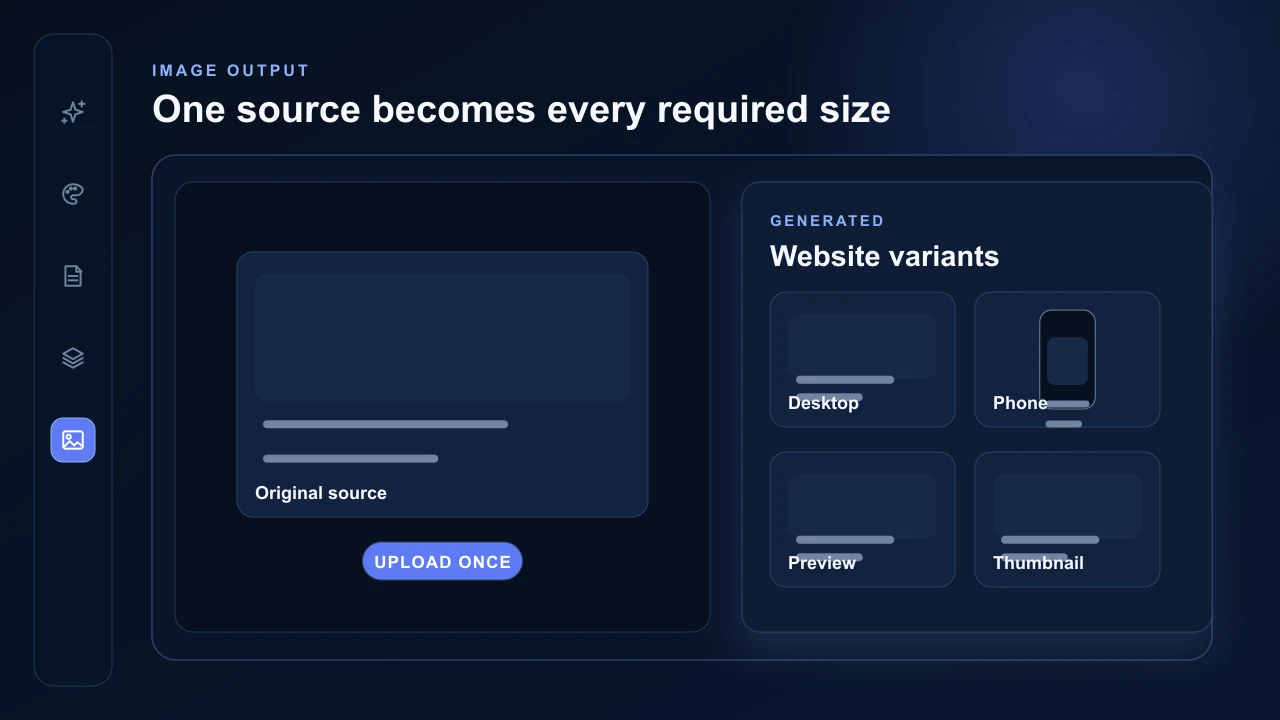
Project images receive a full WebP display version and a smaller WebP thumbnail. Dedicated hero processing creates desktop, phone and preview variants. Logo processing creates the website logo and required icon sizes.
Customers do not need to create separate desktop, phone, card or thumbnail files. AVSBL stores the optimised versions privately and authorises only the exact assets referenced by the successful published website.
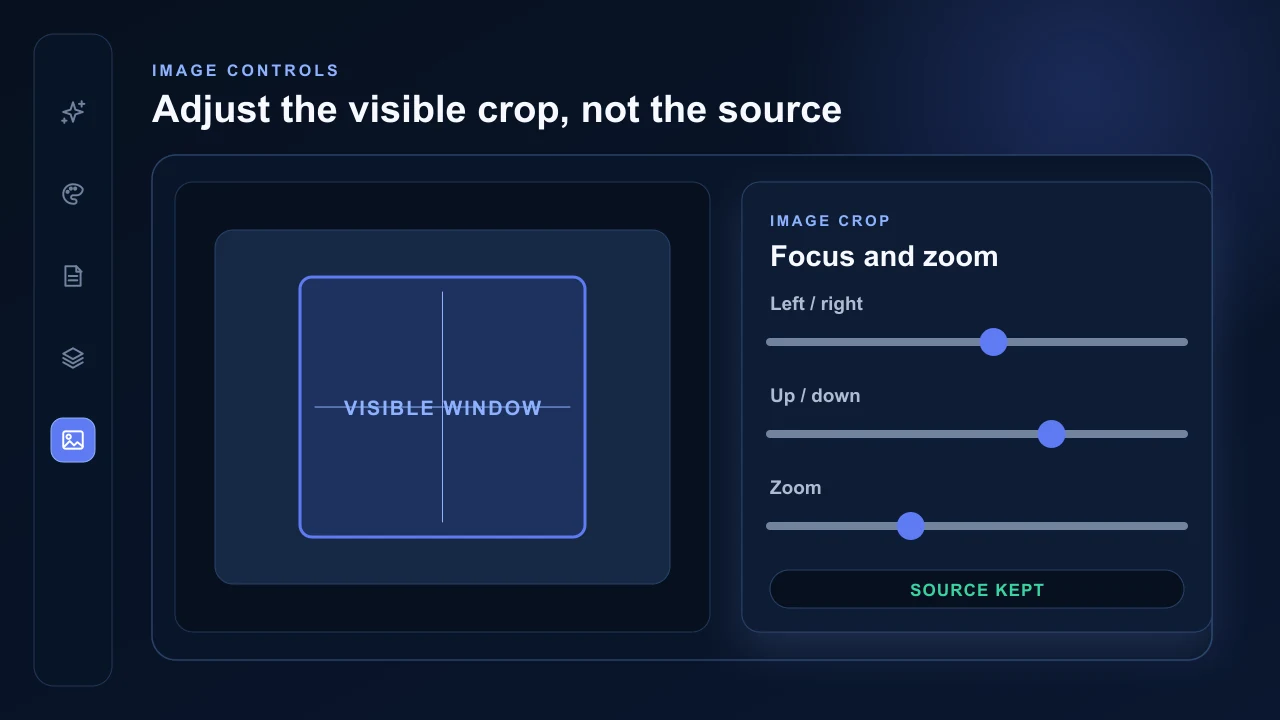
Set the crop without changing the source
Choose the image, then use fit, focus and zoom controls where the selected layout provides them. These settings change the visible window without permanently cropping the optimised source.
Only assets referenced by the successful published website are authorised for public delivery. New image content receives a new content-addressed URL, and AVSBL handles browser and global CDN caching.