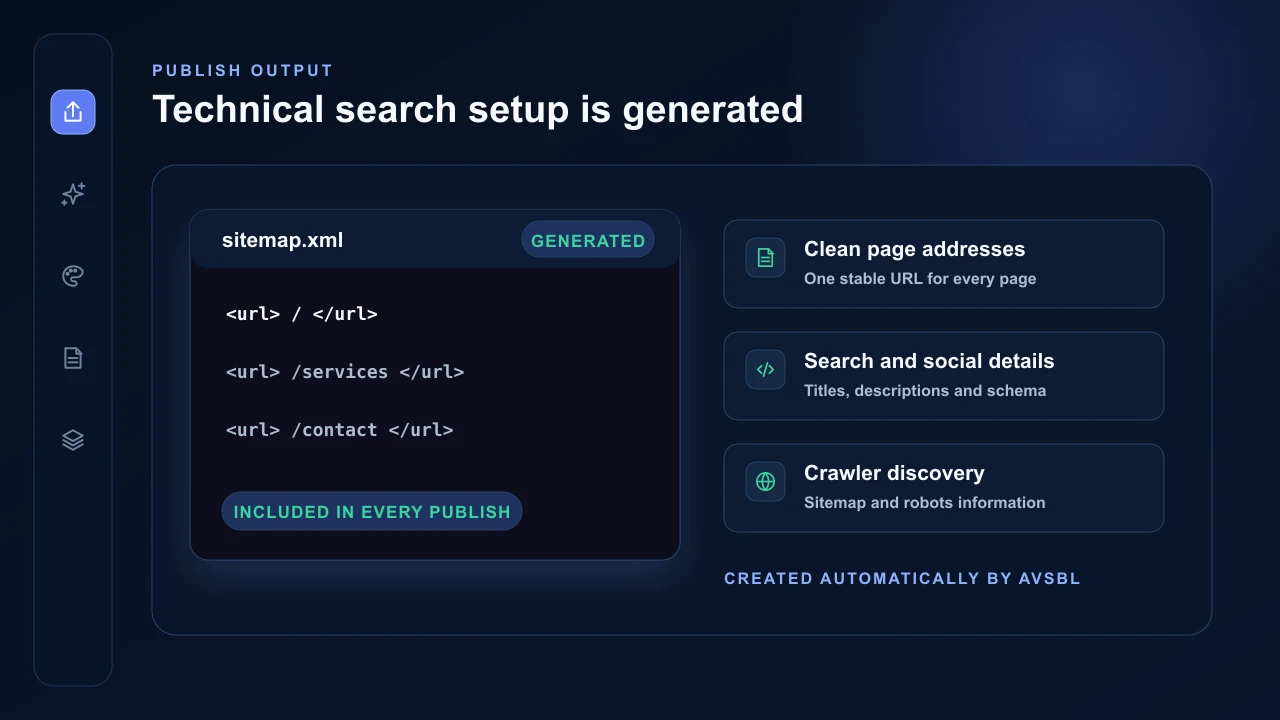
Pages are managed inside the AVSBL builder. The platform stores each page separately and generates the website navigation and public route from the selected page structure.
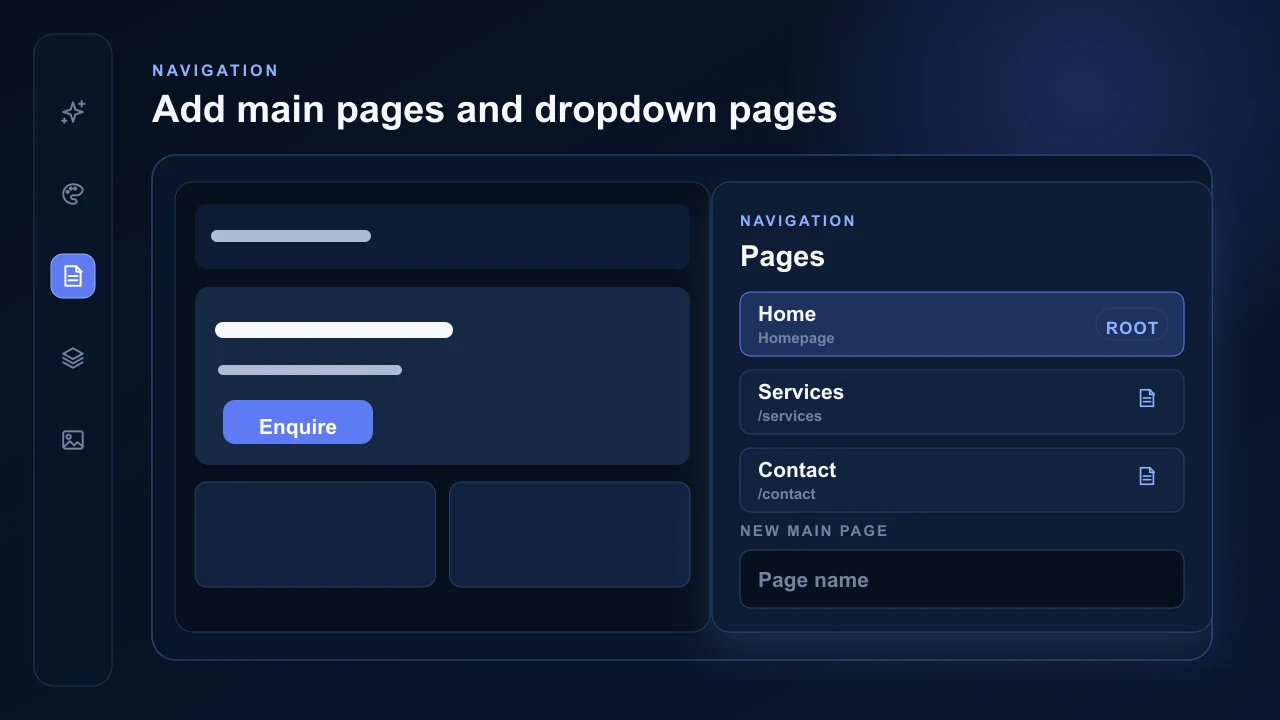
Add main pages and dropdown pages
Open Pages, enter a main-page name and select the main add button. To place a page in a dropdown, select the plus beside the existing main page that should contain it. Tap any saved page to open it and edit its own sections, layouts and content.
AVSBL automatically creates the page path and places published main and dropdown pages into the website navigation. Global branding remains shared, so adding a page does not require rebuilding the header, footer or phone menu.
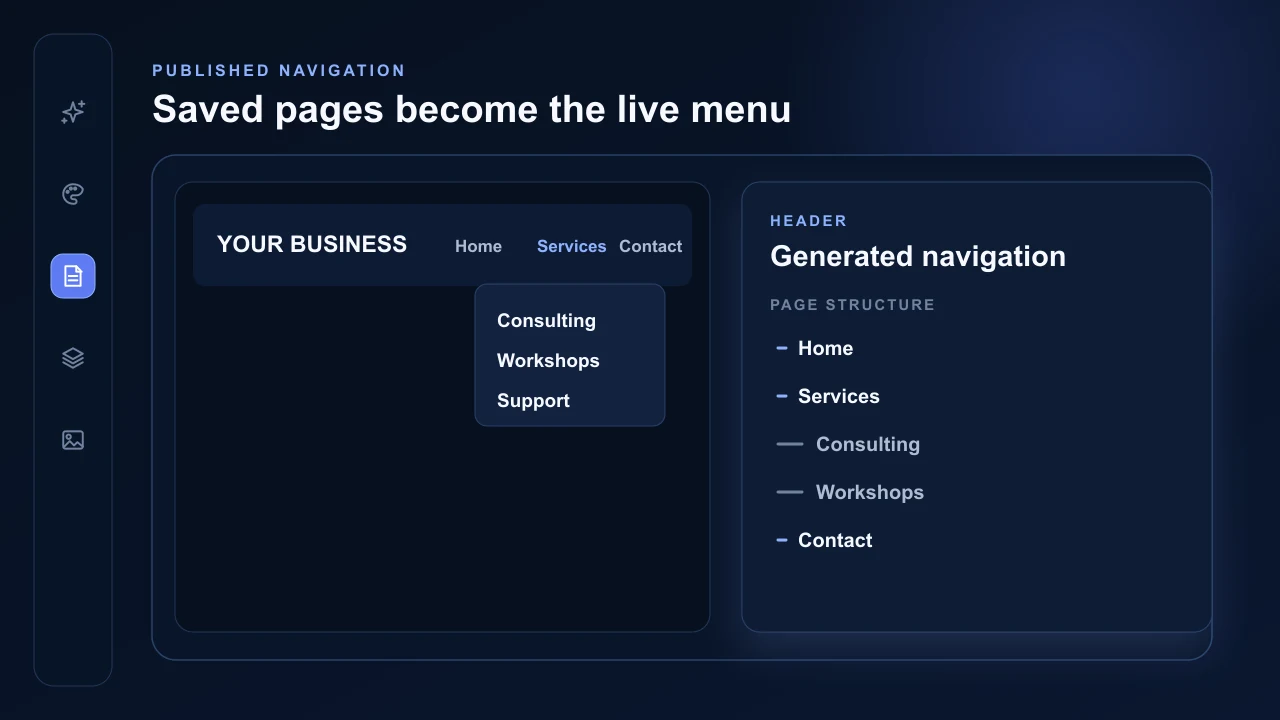
Navigation is generated automatically
AVSBL builds the header and footer navigation from the published page structure. Customers do not need to create route files, duplicate phone navigation or code menu behavior.
Use clear page names because the name is visible in navigation and is also used by the generated page title.
Publishing updates the selected pages
Publishing converts the current page drafts into live page and section records in one ownership-scoped operation. A retry cannot create duplicate pages or duplicate sections.
AVSBL generates the technical page metadata, canonical address, social-sharing fields, sitemap entry and applicable structured data as part of the published website.