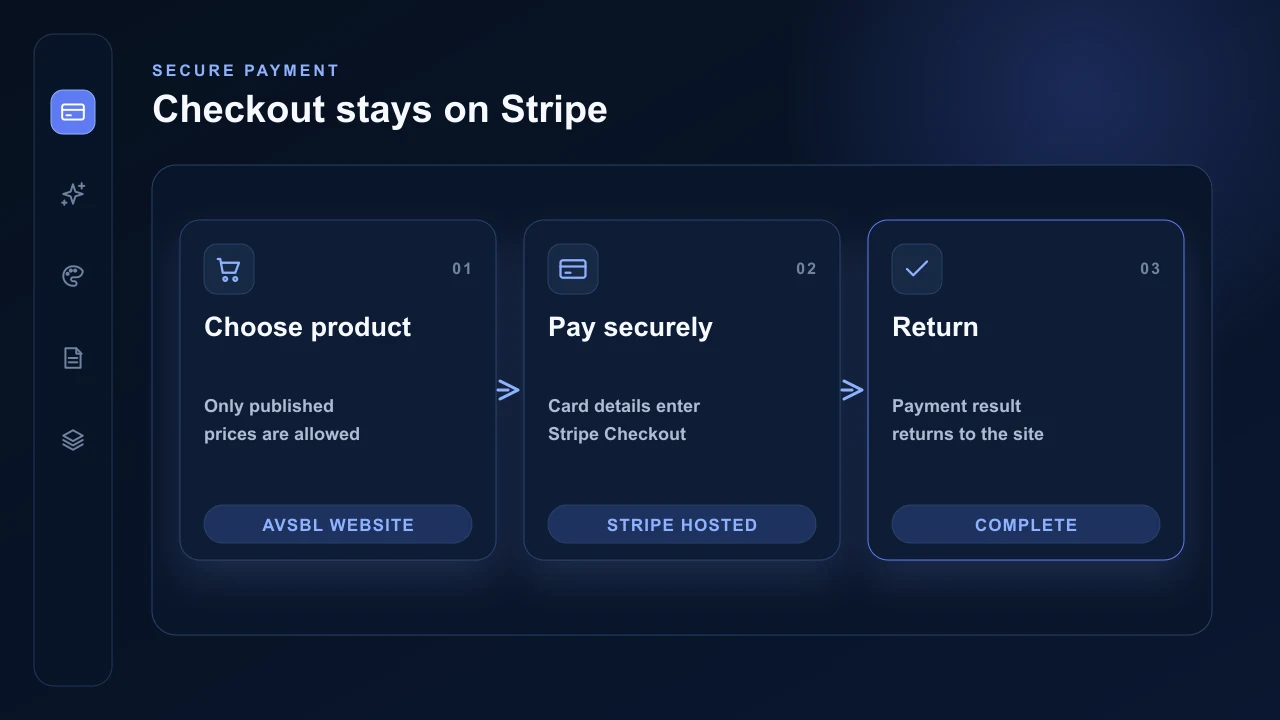
Connected Stripe commerce is for sales made by the customer business. It is separate from the Stripe subscription that pays for AVSBL Website Pro.
Connect the business Stripe account
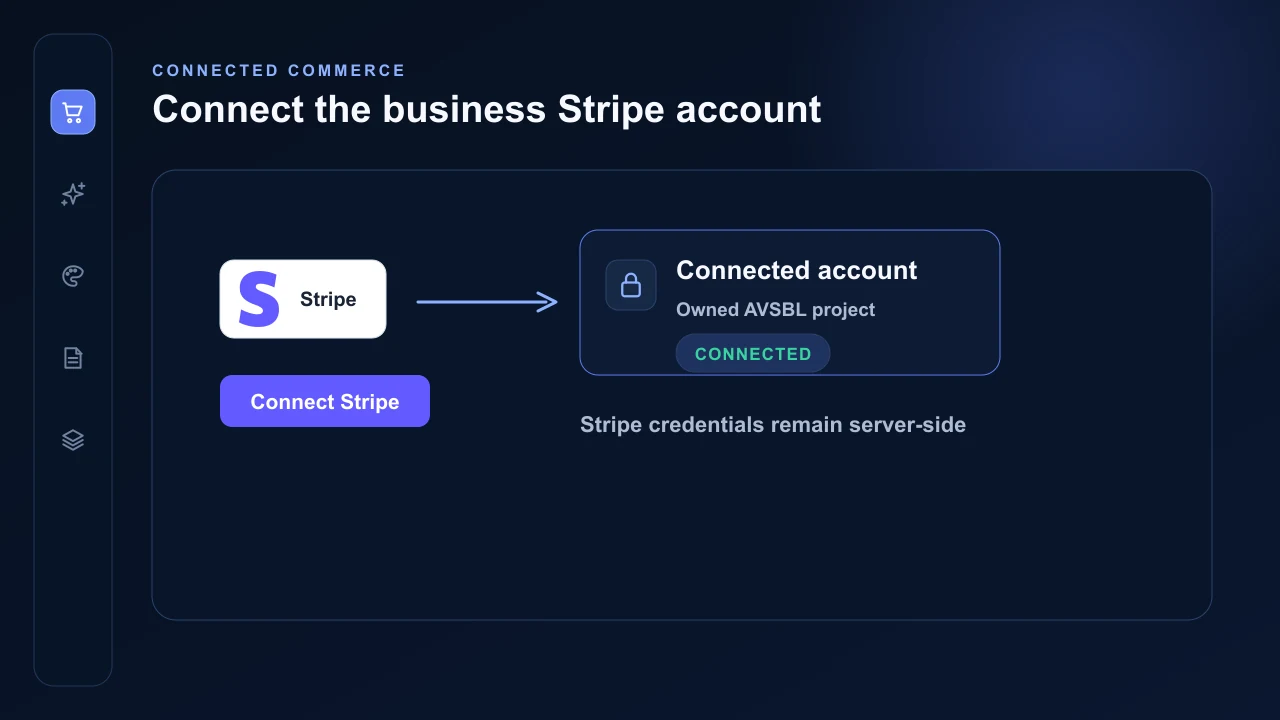
A subscription-authorised owner starts Stripe Connect from the builder and authorises the business Stripe account. AVSBL loads its active products and up to 500 active prices for selection.
The connection is bound to the authenticated owner and stable AVSBL project. Stripe credentials remain server-side.
Select the prices to publish
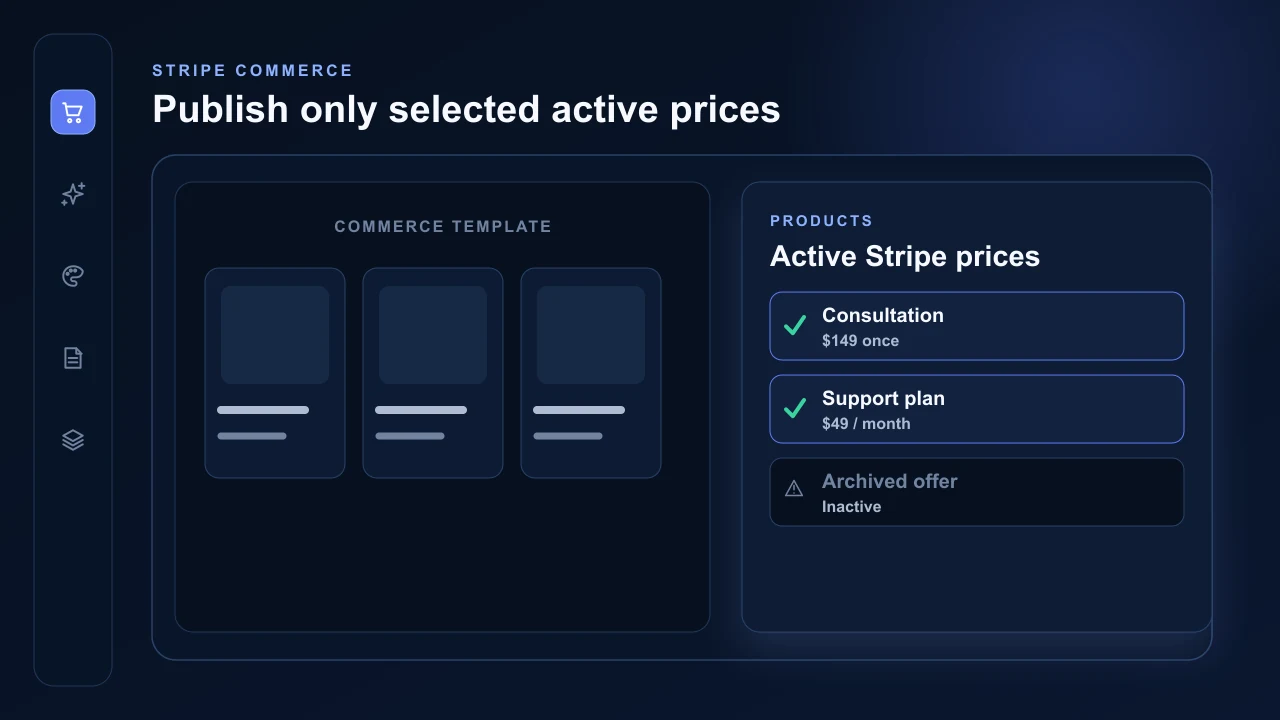
Choose the active Stripe prices that a commerce section may display. One-time prices use payment Checkout and recurring prices use subscription Checkout. Eligible one-time per-unit prices can allow quantities from 1 to 99.
Visitors cannot substitute another project, connected account or arbitrary Price ID. Checkout is permitted only for an active price explicitly selected in a commerce section on that live website.
Use Stripe-hosted Checkout
AVSBL creates Checkout on the connected business account and redirects the visitor to Stripe-hosted payment. AVSBL does not receive or store complete card numbers or security codes.
Payments and payouts remain in the connected business account. The business remains responsible for fulfilment, refunds, recurring membership delivery and gift-voucher issue and redemption.