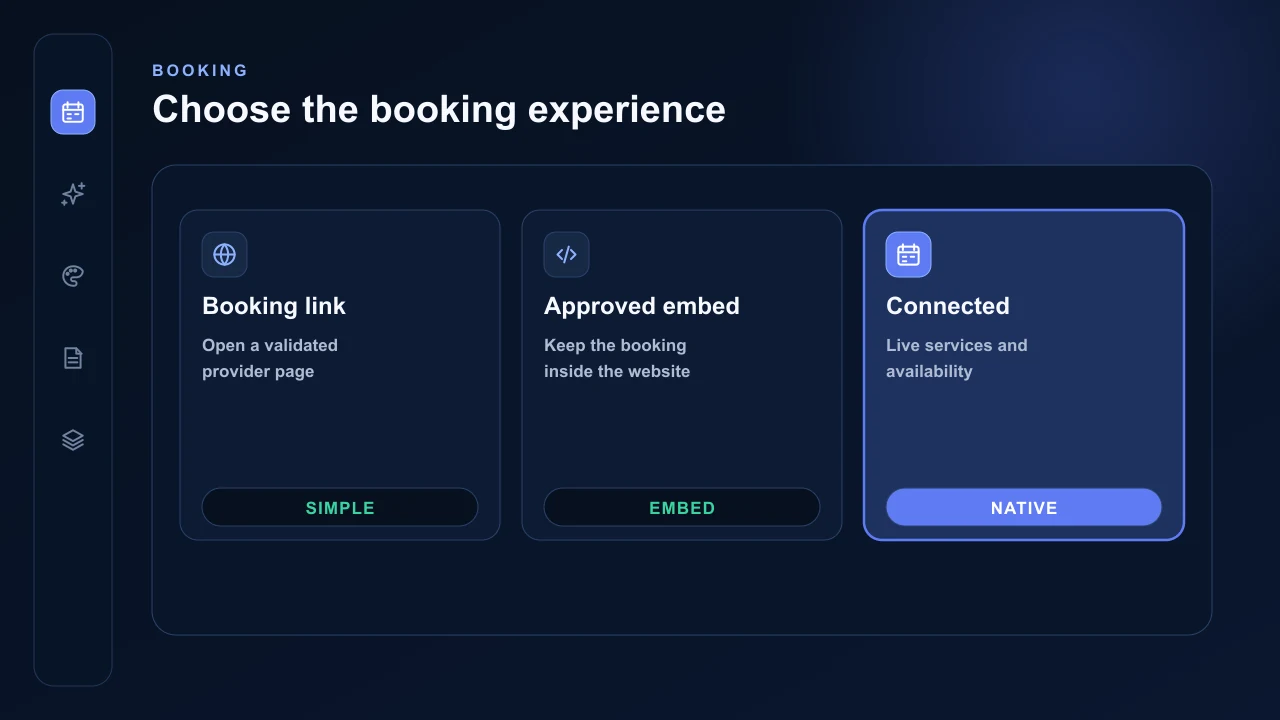
AVSBL supports simple and connected booking options inside the same builder. Choose the level supported by the provider account and the experience required on the website.
Choose a booking mode
A provider-neutral booking link sends the visitor to a validated booking address. Approved embeds are available for Calendly, Acuity, Timely, Setmore and Square Appointments.
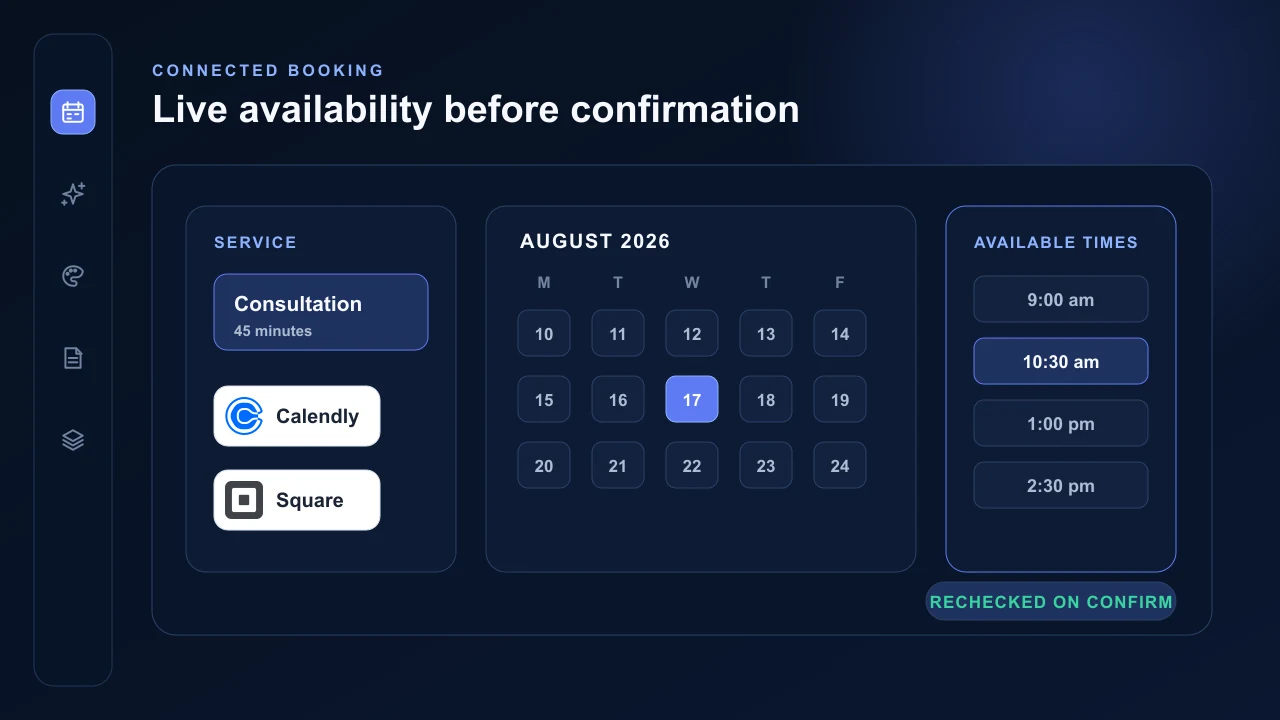
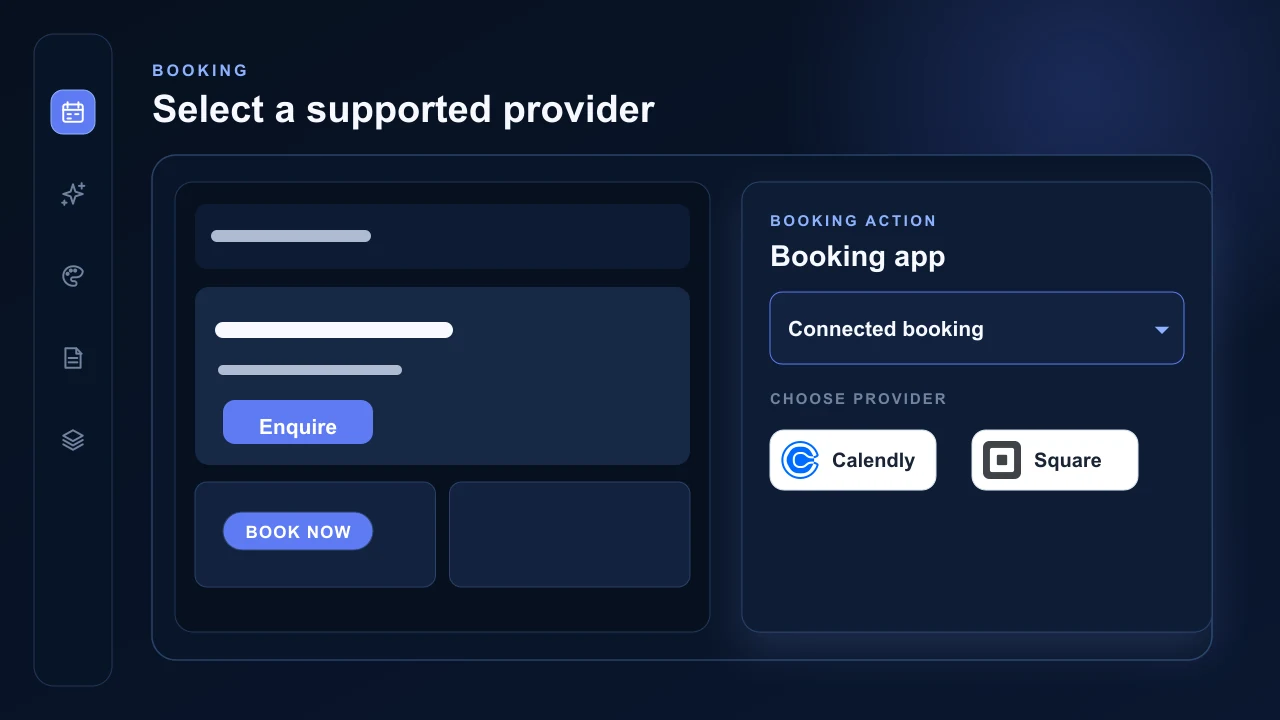
Eligible Square Appointments and Calendly accounts can use native connected availability and appointment creation. Google Calendar booking is planned but is not enabled.
Configure the builder section
Open Booking, choose the booking layout and select the configured destination or connected provider. AVSBL enforces one canonical booking destination across the published booking sections.
Only reviewed provider origins can render inside an AVSBL page. Pasted Square booking code is reduced to its validated provider URL rather than storing arbitrary scripts.
Use native provider availability
For connected Square or Calendly booking, AVSBL loads the selected services or event types and current availability. The selected time is checked with the provider again before the booking is created.
Provider credentials remain encrypted on the server. Provider plans, fees, availability rules, reminders and customer-data requirements remain with the connected provider account.