AVSBL includes privacy-first website analytics and saved Website Health results in the customer dashboard. Google Analytics is not required for the AVSBL dashboard reports.
Read AVSBL analytics
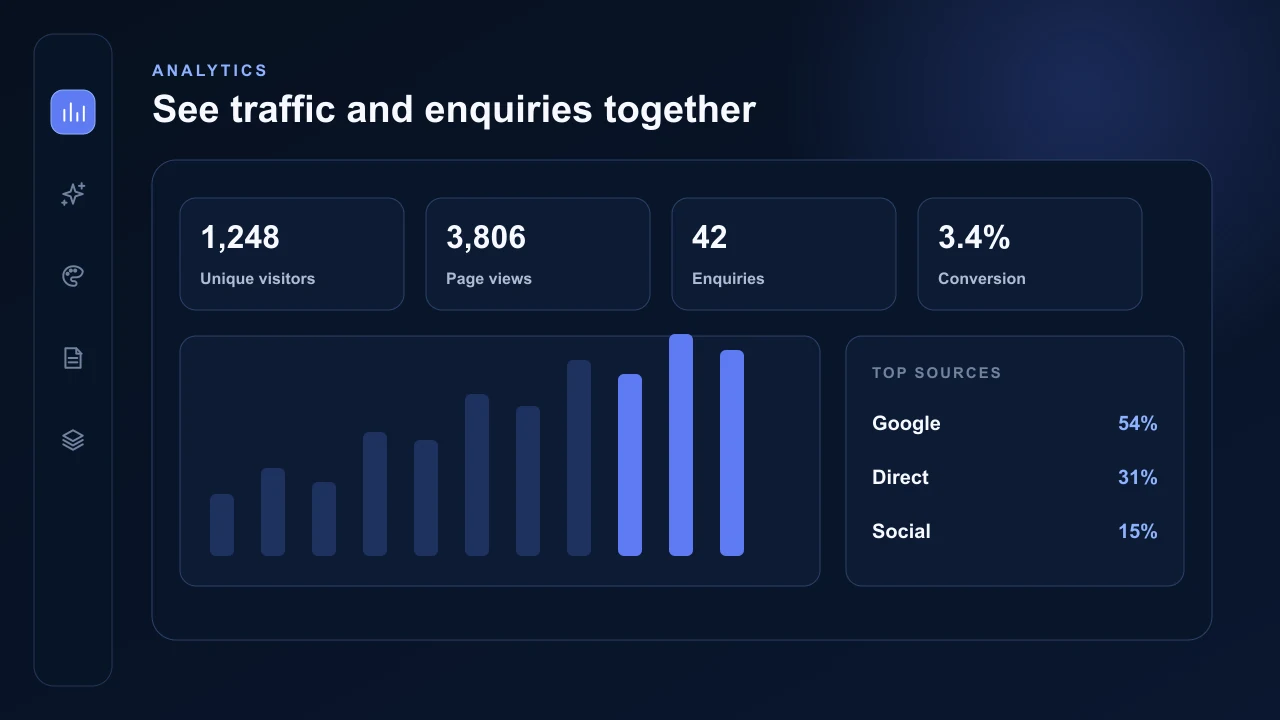
Choose 7 days, 30 days, 90 days, 6 months, 12 months or a custom range to view unique visitors, page views, enquiries, conversion rate and activity over time. A website with a longer history builds a more useful trend chart across the selected period.
Additional cards show traffic sources, most-viewed pages, phone and desktop usage and visitor countries. Analytics are tied to the owned published website and automatically follow its canonical preview or custom-domain host.
Run Website Health and PageSpeed
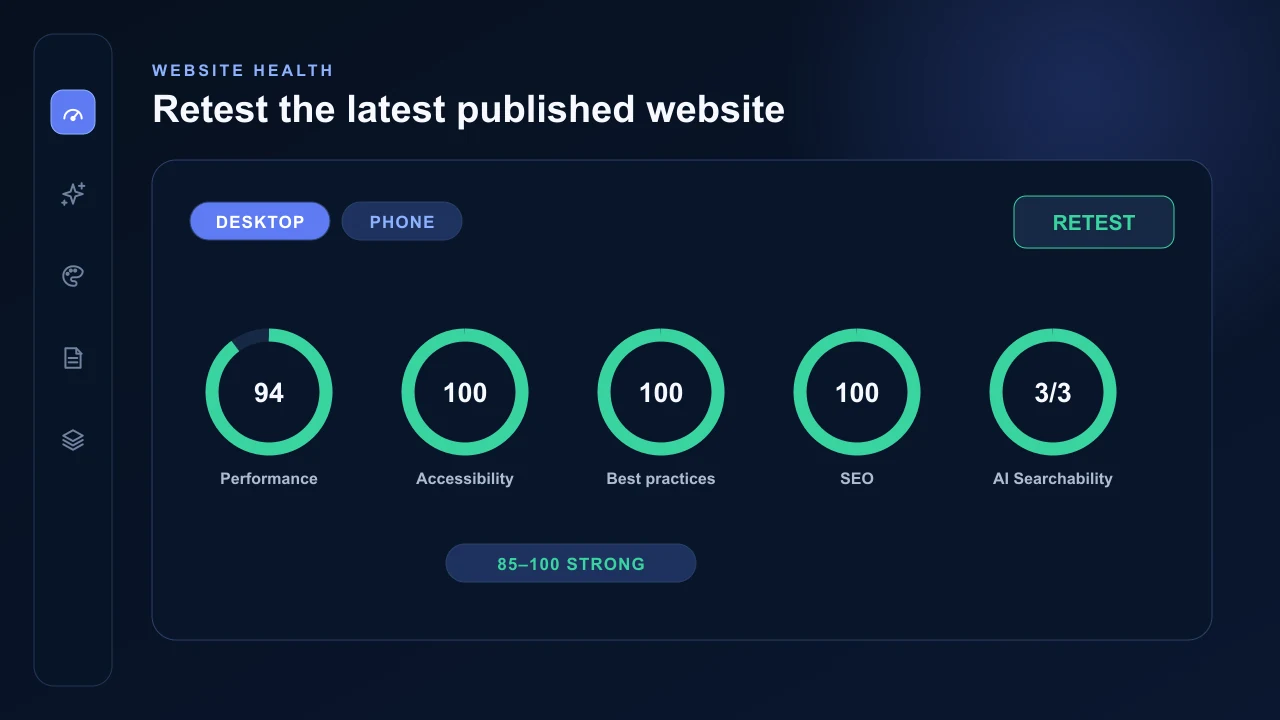
Press Retest to run the current published website through both Desktop and Phone PageSpeed checks. AVSBL saves the completed results and lets you switch between device views without leaving the dashboard.
Website Health shows Google's Performance, Accessibility, Best Practices, SEO and experimental Agentic Browsing results. The first four use 0–100 scores; Agentic Browsing shows the number of applicable audits passed.
A new publish clears the previous result because the live website has changed. Run Retest after the final publish or a meaningful update. The two PageSpeed checks usually take 20 to 60 seconds and save automatically when both versions finish.
AVSBL Website Health uses official Google PageSpeed Insights results on desktop and phone. AVSBL classifies scores from 85 to 100 as Strong, 50 to 84 as Improve and results under 50 as Needs attention.
Share a private report
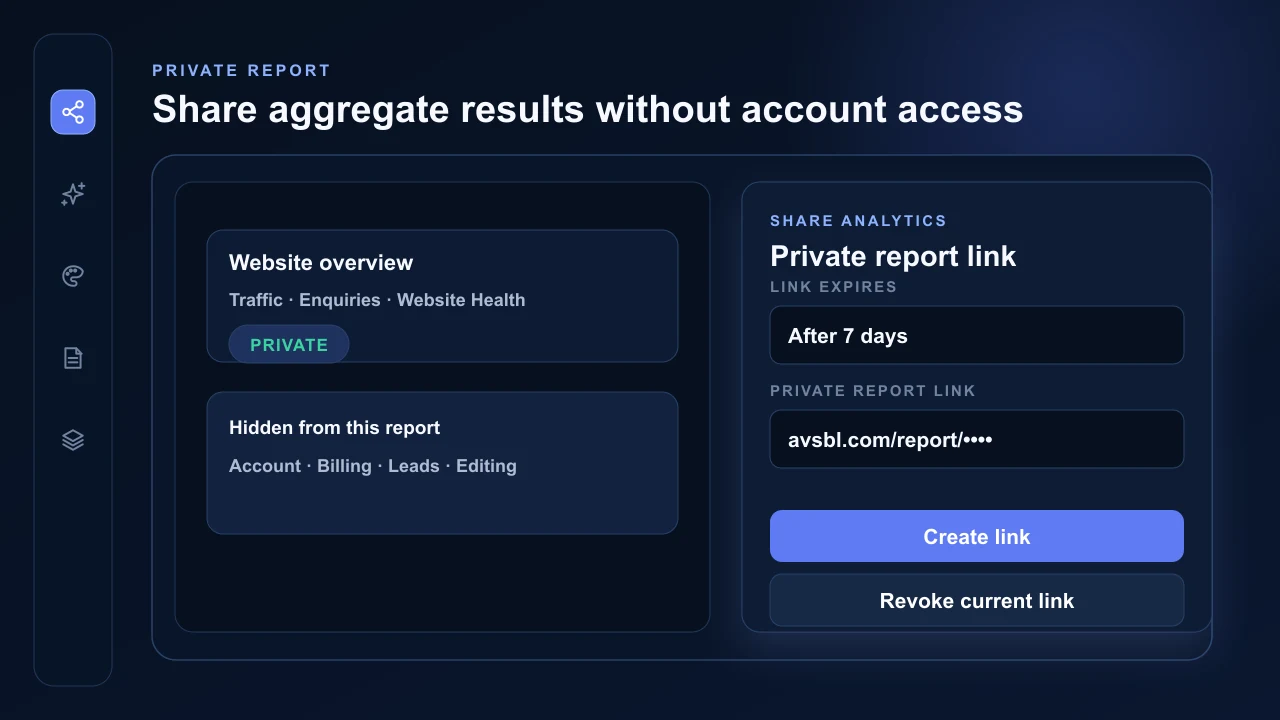
Share analytics creates a private expiring report link containing the website overview, aggregate analytics and saved Website Health results. The public report does not include account identity, billing, leads, builder controls or other websites.
The current report link can be revoked or replaced from the dashboard. Its validity is checked whenever it is opened.