AVSBL combines the website builder, managed hosting, publishing, forms, analytics and technical website setup in one account. Start with the business information and let the platform create the working website structure.
Create the website
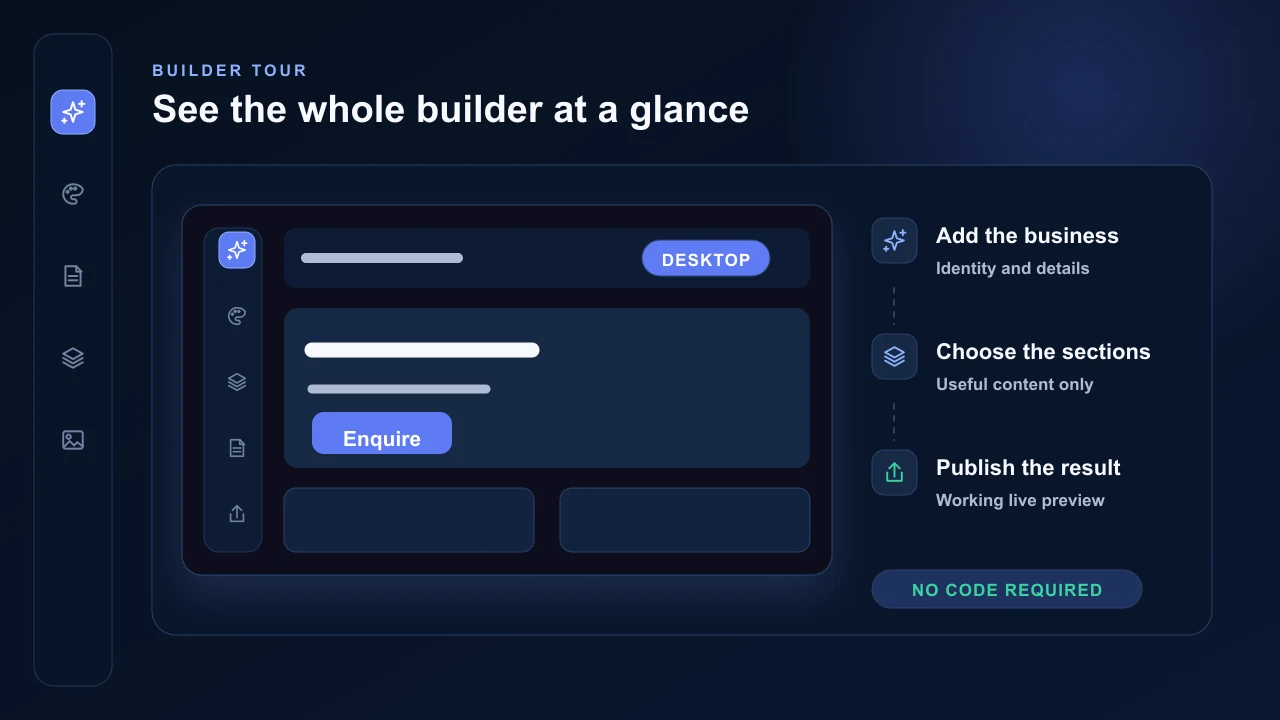
Open the AVSBL website builder and start with the guided tour. It points out Info, Design, Sections, Pages, Images and Publish so you can see where each part of the website is controlled.
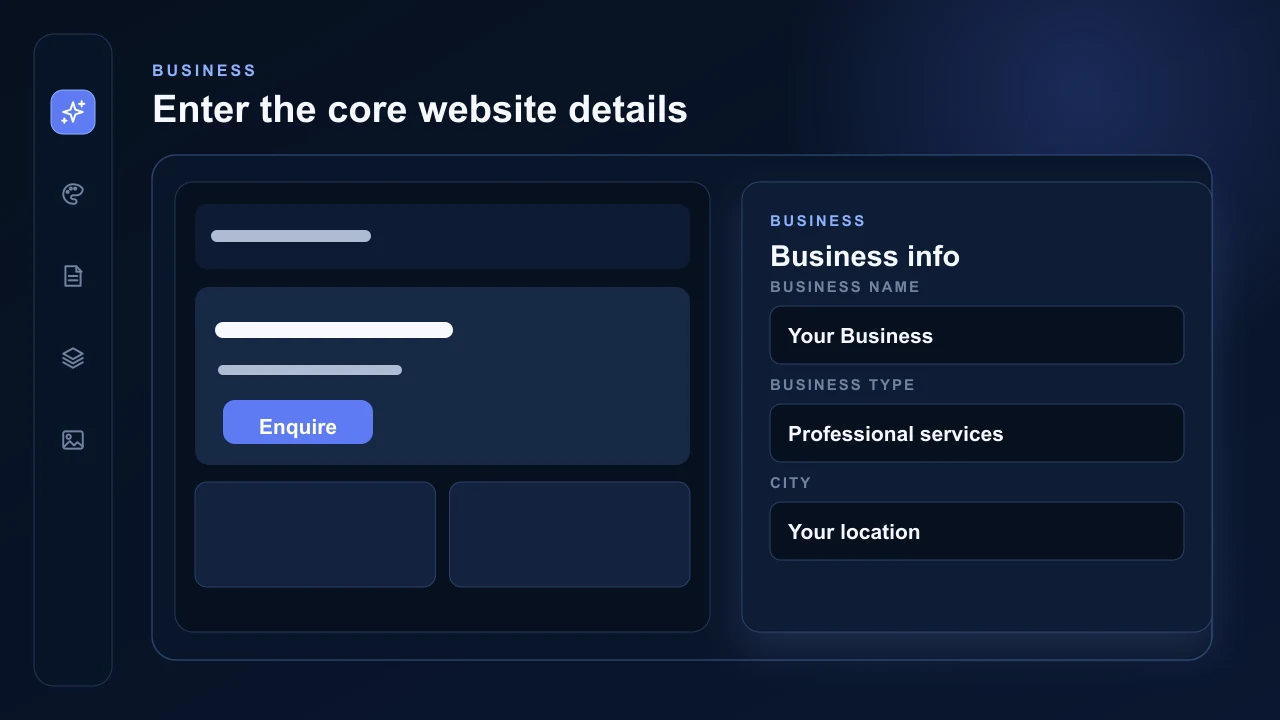
The builder is designed for point-and-click editing. Choose a panel, select a layout and enter the business name, industry, city and contact information. Changes appear in the website preview as you work, without code or a separate website setup process.
Choose the first content
Use Info for the business identity and hero content, Design for the visual system, Sections for page content and Pages for the website structure. Desktop and Phone controls show both responsive views inside the builder.
AVSBL stores the selected layout and content rather than placing every possible design into the website. Only the selected sections and layouts are rendered after publishing.
Publish the live AVSBL preview
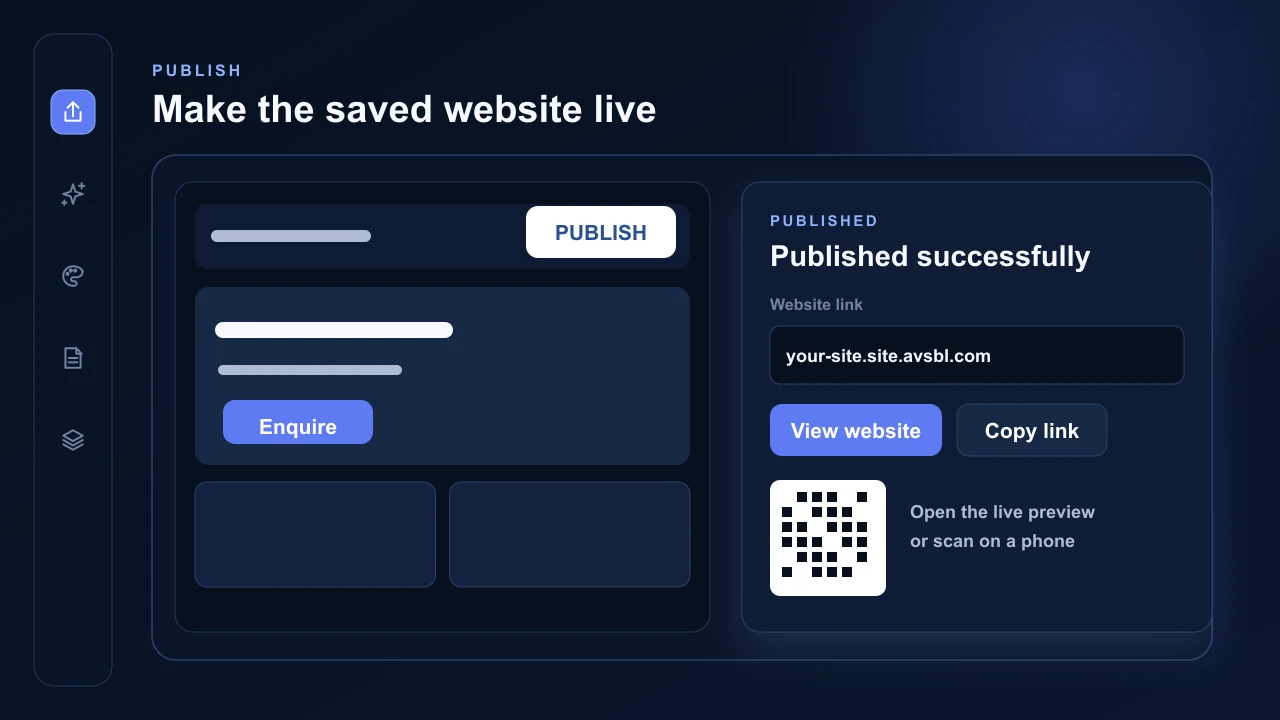
Every AVSBL website includes a hosted AVSBL preview subdomain. Select Publish to make the current website live there, then use View website, Copy link or the QR code to open the real published site on a computer or phone.
The preview address is not the final custom business domain, but it is a working, hosted and optimised website. It can be used to test pages, forms, responsive layouts and integrations before a custom domain is connected.