
AVSBL IN CHATGPT
Build your website.
Inside ChatGPT.
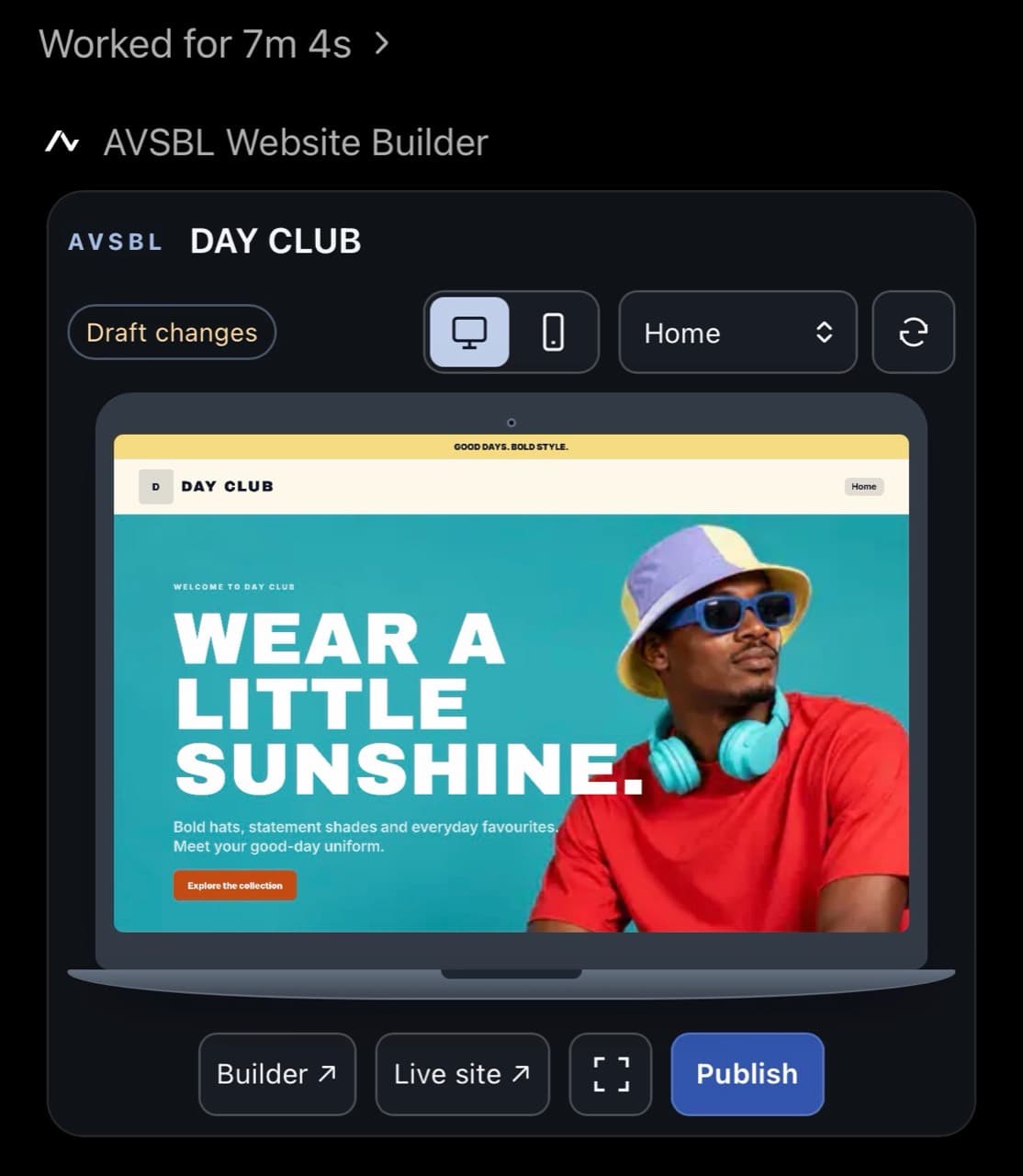
Create your business pages, add your content and see the website take shape in the conversation. Review your draft, then confirm publishing when you are ready.
Open AVSBL in ChatGPTConnect your AVSBL account with an active trial or plan. ChatGPT plan and usage limits apply.
FROM FIRST DRAFT TO LIVE WEBSITE
Tell it what you need.
See what you’re building.
- 01
Create your website.
Describe your business, the pages you need and your preferred style. Add your photos and details as you go.
“Create a website draft for my building business with Home, About, Services, Gallery and Contact pages.”
- 02
Make it your own.
Ask for changes to your pages, text, images and design. ChatGPT uses AVSBL’s supported builder tools to save your changes.
“Add these photos to my gallery and change the homepage button to ‘Get a quote’.”
- 03
Review, then publish.
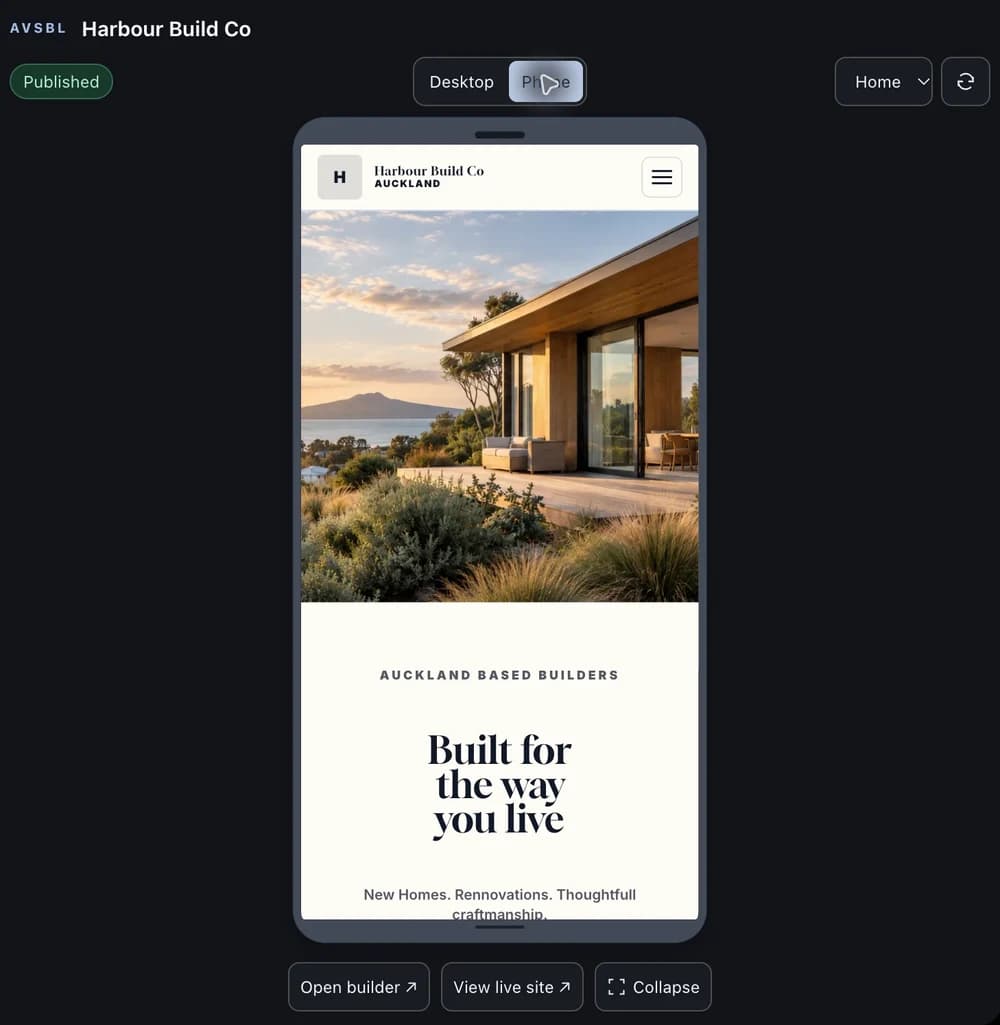
Ask to see your website. Check each page in desktop and phone views. When ready, ask to publish, review the website address and confirm Publish now.
“Show me my website so I can review it before publishing.”
Edits stay in your saved draft until you confirm publishing. Later changes stay in the draft until you publish again.
YOUR WEBSITE. YOUR WAY TO WORK.
One saved website.
Chat or visual controls.
Start in ChatGPT and keep editing in AVSBL, or bring an existing AVSBL draft into the conversation. Both work on the same saved website.
Use Open builder in the preview to continue with visual controls. After publishing, View live site opens your public website.
AVSBL’s layouts, hosting and technical foundations sit behind both ways of building. Manage billing, custom domains and connected business services in your AVSBL dashboard.