The customer keeps the domain registered with its existing provider. AVSBL manages the website connection after the customer adds the exact DNS values displayed in the Domains area.
Check that the domain is available
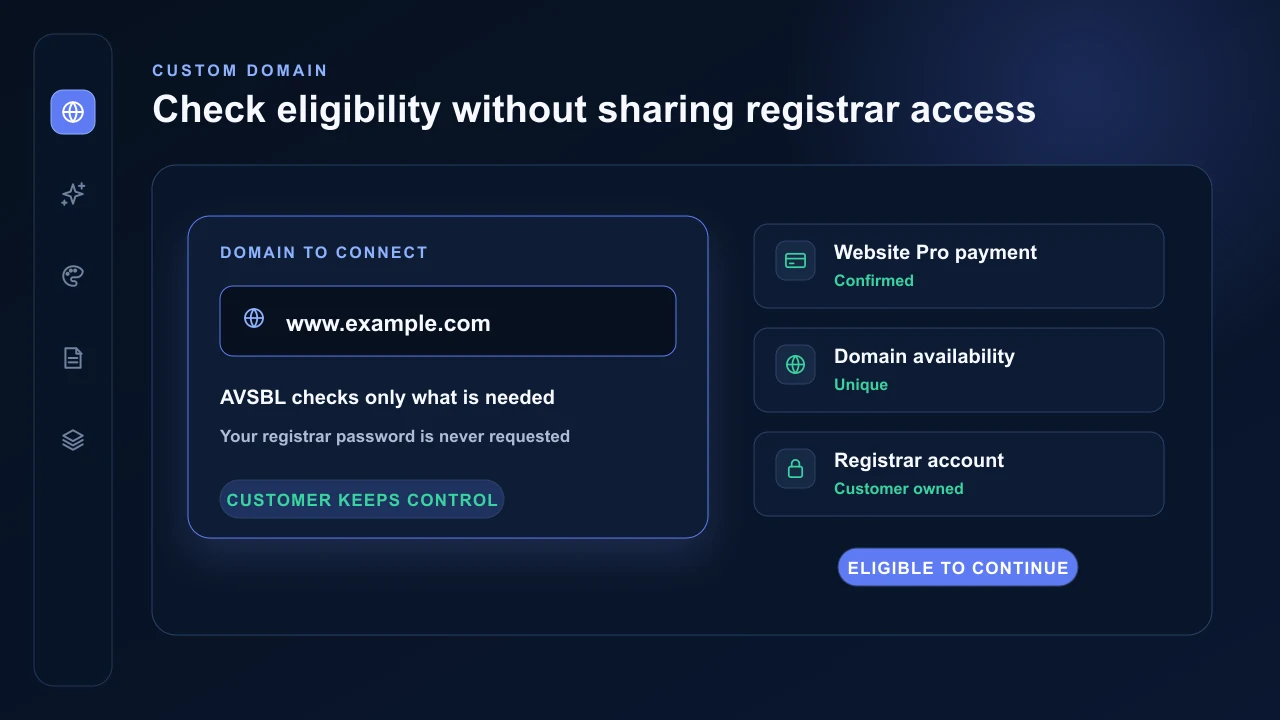
Custom-domain connection requires the first successful AVSBL subscription payment. The preview subdomain remains available during an eligible 14-day trial, but beginning the trial alone does not unlock a custom domain.
The domain must be controlled by the customer and must not already be assigned to another AVSBL website. AVSBL never needs the registrar password or access to the customer account.
Enter the domain and add the records
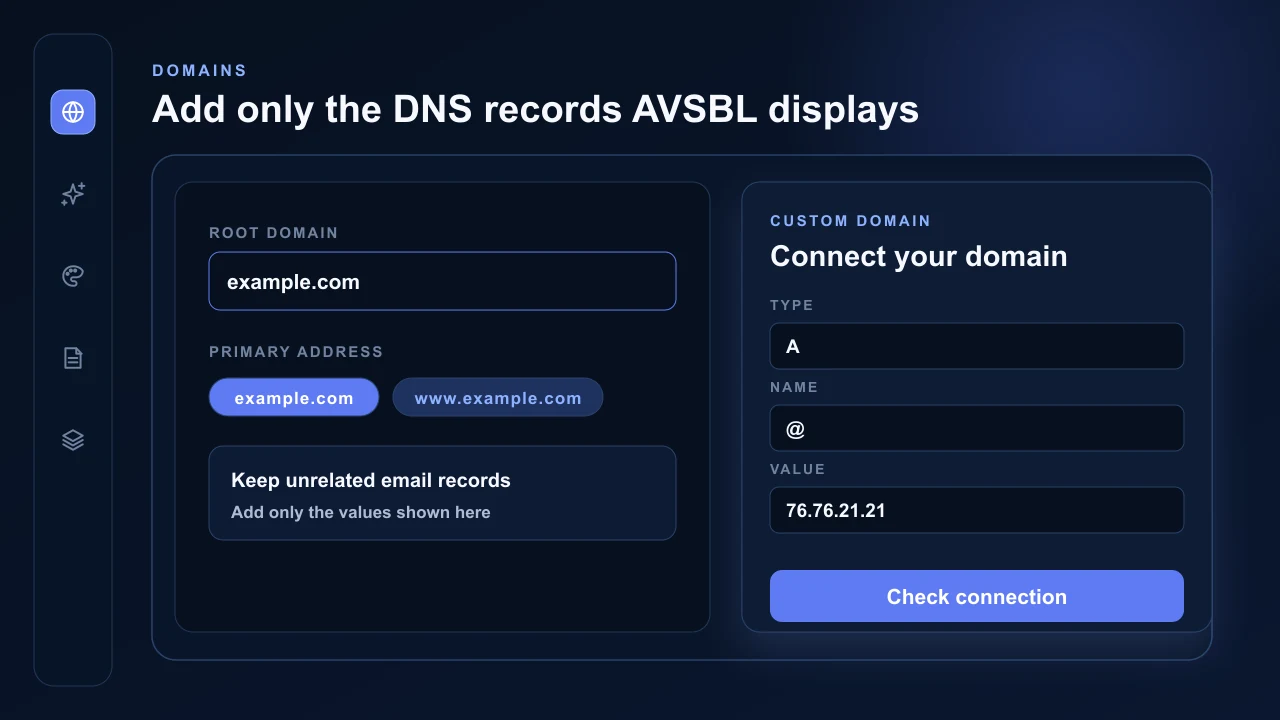
Open the website Domains area, enter the root domain and choose whether the root or www address should be primary. AVSBL connects both addresses and displays the exact DNS and verification records required.
Add those values at the provider hosting the domain DNS. Preserve unrelated email records. AVSBL checks ownership, subscription eligibility, platform-wide uniqueness and provider verification state.
AVSBL completes the connection
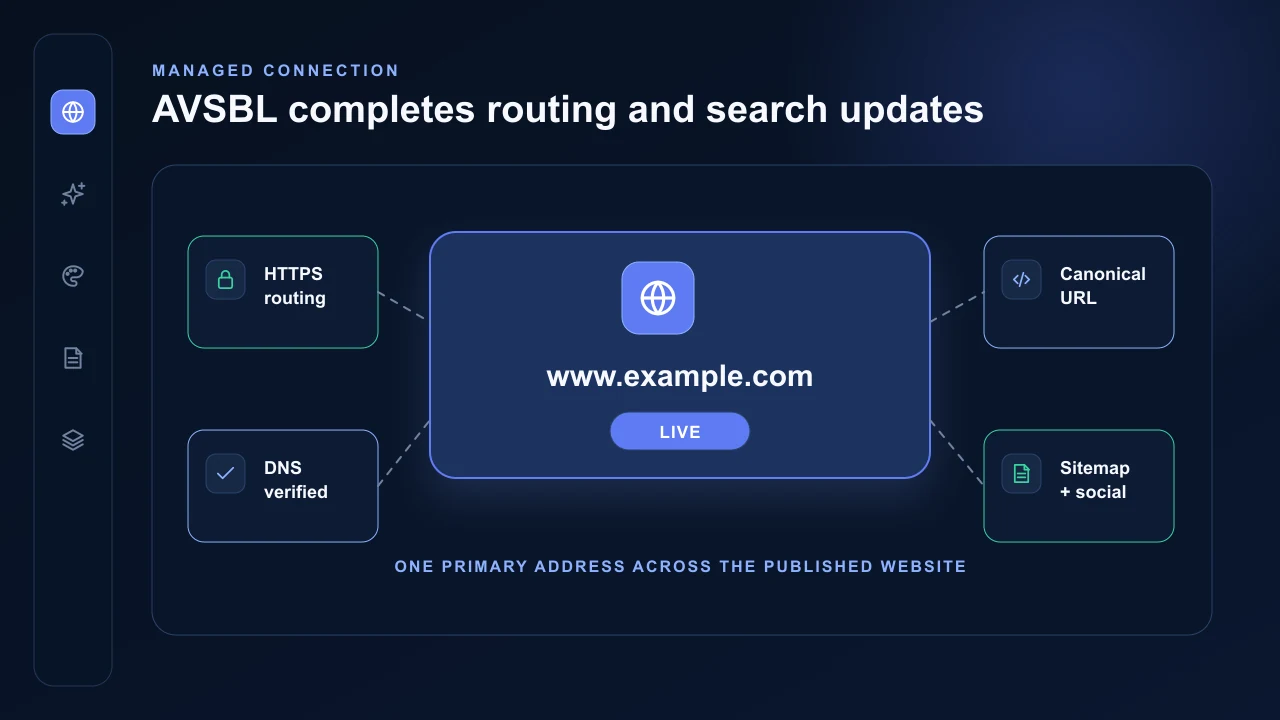
When verification and SSL are ready, AVSBL marks the domain connected and makes the selected hostname canonical. The other hostname and the AVSBL preview hostname permanently redirect to it.
Canonical metadata, social-sharing URLs, sitemap URLs, robots.txt, structured-data identifiers, llms.txt, analytics association, dashboard links and Website Health targets automatically use the connected domain. Republishing is not required solely because the domain changed.
Keep the domain account secure
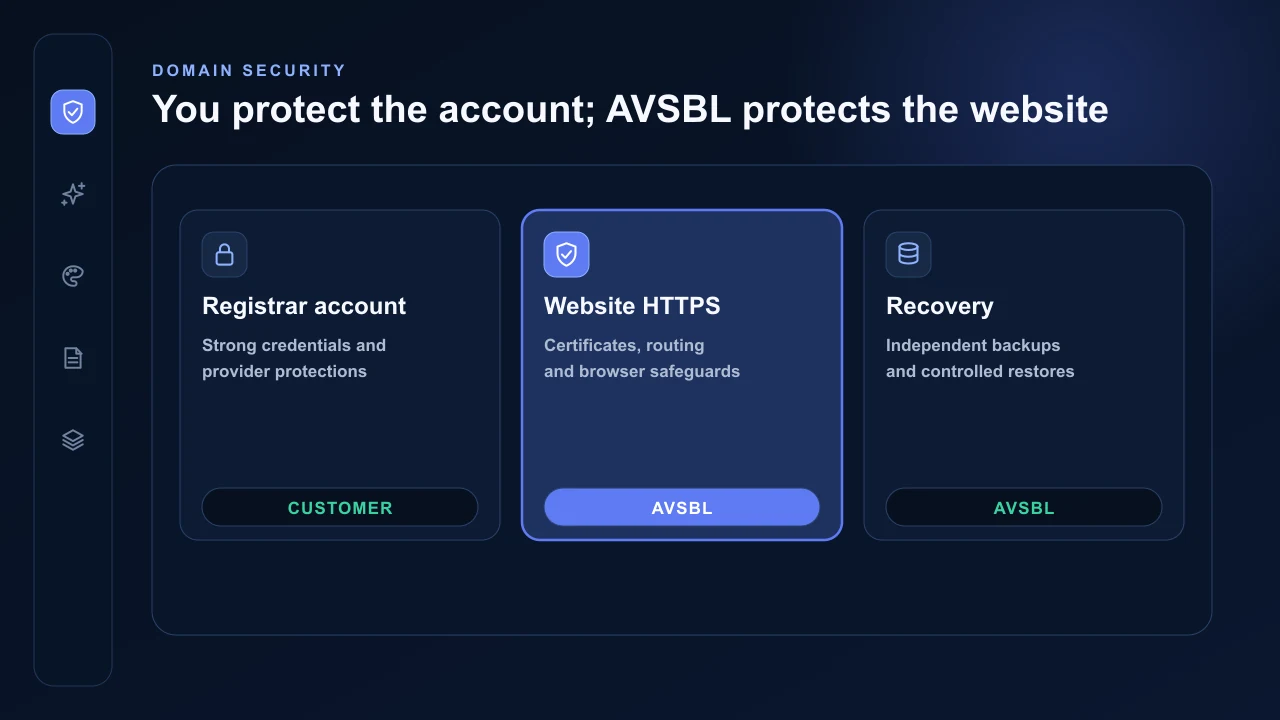
The customer keeps control of the registrar or DNS-provider account and should protect it with strong unique credentials and the strongest account protection that provider supports. AVSBL requires only the displayed DNS records and never needs the registrar password.
AVSBL manages HTTPS, website routing and the wider platform security and recovery controls after connection. Read the dedicated guide for the full explanation of website protections, customer-data boundaries, backups and restore testing.
Read Security, backups and recovery